Profax PX046793, Miller Style VK-Groove .045" Drive Roll Kit, 4 roll Set
$118.53
In Stock
View Product
$118.53
In Stock
View Product
Birdnesting at the drive rolls in a push-pull aluminum setup means the wire is buckling before it enters the drive system or liner correctly. The cause is usually excess resistance, poor drive roll setup, wire feed mismatch, or a restriction in the wire path. Start with the simplest checks and work toward the feed components.
Birdnesting is when wire accumulates in a loose tangle instead of feeding cleanly through the drive rolls and into the liner. In push-pull systems, the push side and the pull side must work together. If either side creates too much resistance, the wire can collapse at the drive rolls.
Common causes include:
Clear the birdnest before restarting. Do not try to feed through a jam. Inspect whether the wire was buckling before the rolls, at the rolls, or after the rolls. That helps narrow the fault.
Pull wire manually from the spool. It should move with consistent resistance. If the spool is dragging hard, the push side may not overcome the load. Check for:
Verify that the drive rolls are suitable for the wire diameter and material. For aluminum, drive roll style matters. If the groove type is wrong, the wire may slip or deform. Inspect for:
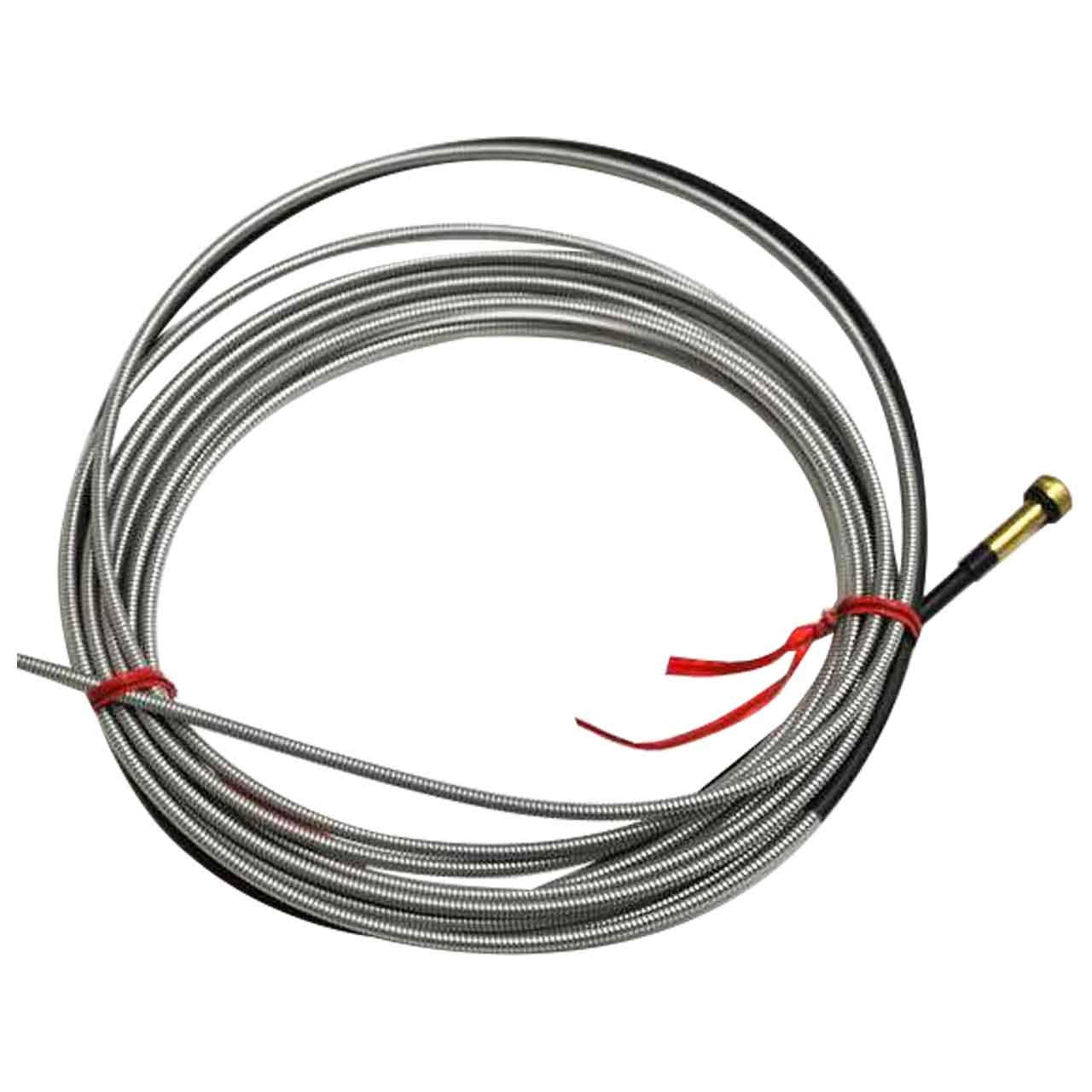
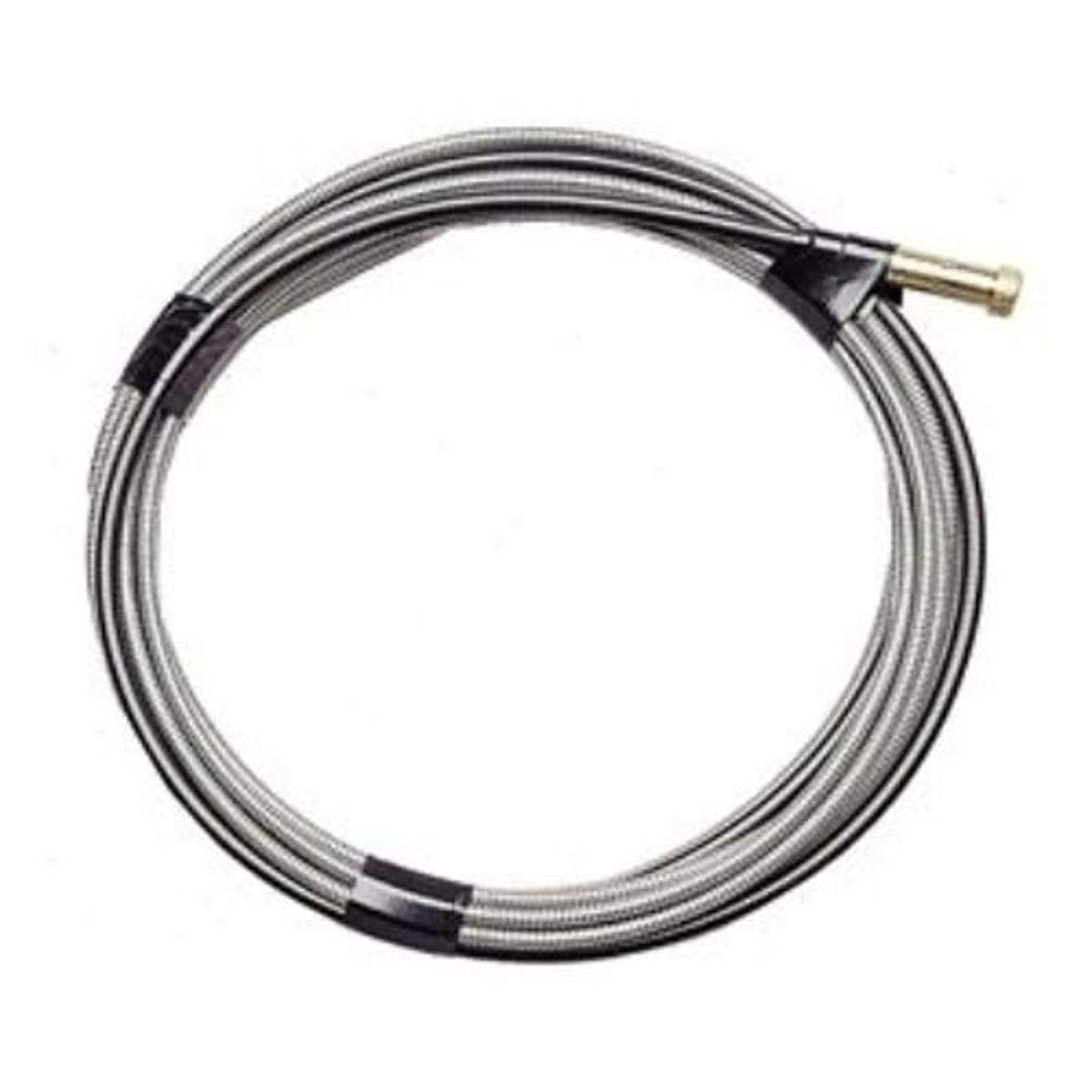
A damaged or dirty liner creates back pressure. Aluminum wire is especially sensitive to resistance. Remove and inspect the liner if feeding is inconsistent. Replace it if you find wear, contamination, or kinks. Liner length and compatibility are Unknown (Verify) unless confirmed by the equipment manual.
Push-pull systems depend on low-friction wire travel. A sharp bend, twisted cable, or crushed hose bundle can create enough drag to cause birdnesting. Keep the cable route as straight and open as practical.
Set drive roll tension only high enough to feed the wire without slip. Too much pressure can flatten soft wire and increase resistance downstream. If the wire is polished, scored, or shaving at the rolls, reduce pressure and recheck the feed path.
If the push side is feeding faster than the pull side can take up wire, the excess will pile up. Check the system setup, motor response, and control settings per the equipment manual. Specific compatibility and timing values are Unknown (Verify).
If inspection shows wear or incorrect setup, the drive roll kit may need replacement. For a 50 Series setup, the following ArcWeld product is provided for this topic:
Profax PX046793, Miller Style VK-Groove .045" Drive Roll Kit, 4 roll Set
Short description: Kit, 50 Series, .045 V-Knurled groove 4 Roll Set
Use this only if it matches the wire size, drive system, and equipment requirements in your machine documentation. Compatibility beyond the provided description is Unknown (Verify).
Kit, 50 Series, .045 V-Knurled groove 4 Roll Set
View at Arc Weld StoreAluminum is softer than many filler wires. Any added drag, poor roll setup, or liner restriction can make it buckle quickly.
Only enough to stop slip. Over-tightening can crush the wire and cause more feeding problems.
Yes. A rough, kinked, dirty, or worn liner can increase resistance enough to back wire up at the rolls.
No. Fitment is Unknown (Verify) unless confirmed by the machine manual and the drive system specification.
Category: Push Pull Gun
If a cut-off wheel wearing fast is a recurring problem, the issue is usually not the wheel alone. Excess pressure, wrong wheel type, side loading, poor RPM matching, and poor technique all shorten wheel life. In many cases, the wheel is being used outside its intended cutting range.
If you have to force the cut, stop and check the setup. A cut-off wheel should remove material with steady, moderate feed. Heavy pressure overheats the abrasive, closes the cut, and can glaze or wear the wheel quickly.
Wheel bond, grit, and thickness affect life. A wheel that works acceptably on mild steel may wear much faster on stainless, hardened material, scale, or thick section work. If wheel selection is uncertain, verify the wheel type against the work material.
Cut-off wheels are not designed for side pressure. Using the edge to enlarge a slot, correct alignment, or dress a cut will shorten wheel life and can fail the wheel.
Check whether the grinder and wheel are properly matched. Unknown (Verify) if the wheel speed rating and grinder RPM are not clearly readable. A mismatch can increase wear and create unsafe cutting conditions.
Starting the cut at the wrong angle, twisting in the kerf, or letting the wheel rub instead of cut all reduce life. Keep the wheel aligned with the cut and let the abrasive do the work.
If the part is not clamped well, the cut can pinch the wheel. Pinching causes heat, drag, and premature wear. It also raises the chance of wheel damage.
If the wheel sparks heavily but removes little material, it may be glazed, overloaded, or the wrong type for the job. If the wheel cuts well at first and then slows quickly, inspect for heat buildup and excessive pressure.
Check flanges, nut condition, arbor fit, and wheel runout. A wheel that is mounted unevenly can wear fast on one side and cut poorly. For related diagnostics, see Cut-Off Wheel Vibration Troubleshooting: Grinder Wobble, Wheel Runout, Flange Problems, and Unsafe Cutting Symptoms.
Make sure the wheel is entering straight and the work is supported so the cut stays open. If the slot closes behind the wheel, friction rises and life drops.
Replace the wheel if it is cracked, chipped, uneven, or reduced below safe size. A worn wheel may still spin, but performance and safety both decline.
No specific cut-off wheel product was provided for this topic. The only allowed product supplied for this draft is the Triumph Twist Drill T17HD 1/16-Inch to 1/2-Inch Drill Set by 64ths, which is not a cut-off wheel and is not a compatible replacement for abrasive cutting. Do not substitute drill bits for cut-off wheels.
Most often because of too much pressure, wrong wheel selection, side loading, or a grinder setup problem.
No. First check the wheel type, clamping, grinder speed, and whether the wheel is rubbing or pinching in the cut.
No. Cut-off wheels are for cutting only. Side pressure and grinding use will shorten life and can create a safety hazard.
Check for arbor runout, damaged flanges, improper mounting, and side loading during the cut.
Unearth professional-grade performance with the Triumph Twist Drill T17HD Drill Set, a must-have for any serious tradesperson or DIY enthusiast. This exceptional drill set covers sizes from a precise 1/16-inch to a robust 1/2-inch in increments of 64ths, equipping you with a versatile array of drill bits for all your projects. Ideal for drilling into wood, metal, or plastic, these premium high-speed steel bits pro…
View at Arc Weld StoreIntro
Your MIG welds look porous. You’ve checked your gas flow, cleaned the base metal, and verified your settings—but the problem persists. The culprit is often sitting right at the end of your gun: a worn contact tip. A damaged or burnt-back contact tip disrupts the electrical arc and wire feed, creating weak welds and wasted material. This guide walks you through diagnosis and replacement in under 10 minutes.
Key Takeaways
The Problem
A contact tip is a small copper tube that carries current to your wire. Over time, it erodes from heat and electrical wear. When the tip is damaged or burnt back, several things go wrong:
You’ll notice:
Why It Matters
A bad weld costs money. Porosity weakens the joint, spatter wastes time cleaning, and rework eats into your schedule. In structural or pressure-vessel work, porosity can fail inspection. Replacing a $2–5 contact tip takes 2 minutes and prevents hours of rework.
The Fix
Why This Product Solves It
The S19391-1 Lincoln Style Contact Tip .035 – Arc Weld by Masterweld Pack of (25) is a direct replacement for Lincoln-style MIG guns. It’s made from high-quality copper, ensuring reliable electrical conductivity and durability. At .035″ bore, it matches the most common MIG wire size. A pack of 25 means you’ll always have spares on hand, eliminating downtime from tip searches.
Product Link:
$30.75 In Stock
S19391-1 Lincoln Style Contact Tip .035 – Arc Weld by Masterweld Pack of (25)
$30.75
In Stock
View ProductWhat to Check Before You Buy
Real-World Use
A fabrication shop running 8-hour shifts was seeing porosity in every third weld. The operator had replaced the liner and checked gas—but hadn’t changed the contact tip in 3 months. After swapping in fresh tips, arc stability returned immediately, and porosity dropped to near zero. Cost: $3 per tip. Downtime saved: 2 hours per week.
Common Mistakes
Safety Notes
Always follow the manufacturer’s instructions and your shop’s safety procedures. If you’re unsure about fitment or ratings, verify before you buy or install.
Related Reading
Intro
Your MIG welder fires up fine, but halfway through the bead, the wire quits feeding. You hear the motor grinding. Nothing comes out. It’s frustrating, costly downtime, and it happens more often than it should. The fix is usually simple—but only if you know where to look.
Key Takeaways
The Problem
MIG wire feed failure shows up as:
The culprit is almost always friction inside the liner. As you weld, the wire slides through a plastic or steel tube (the liner) thousands of times. Over time, the liner gets scored, kinked, or contaminated with spatter and oxidation. When friction builds up, the drive rolls can’t push the wire forward—it just slips and grinds.
Why It Matters
A dead wire feed kills productivity. You stop mid-bead, troubleshoot, waste time, and restart. On a production job, that’s money. On a tight deadline, it’s a missed commitment. Plus, repeated grinding wears out your drive rolls faster, turning a $15 liner replacement into a $60+ drive roll replacement.
The Fix
Why This Product Solves It
The LM3A-15 Miller Acculock MDX Liner (15′ Liner, 035/.045) is a direct replacement for Miller Acculock systems and compatible MDX guns. It’s the exact spec you need for smooth, consistent wire feed without grinding or slipping. Miller liners are precision-engineered to tight tolerances, so you get the same feed quality as factory equipment.
Product Link: Product not found.
What to Check Before You Buy
Real-World Use
A fabricator running a Miller MDX-250 noticed wire feed stuttering on 0.035″ mild steel. Swapped the liner in under 5 minutes. Feed was smooth again. No more grinding, no more restarts. One liner lasted 6 months of regular use before needing replacement.
Common Mistakes
Safety Notes
Always disconnect power before removing the spool or working on the feeder. If you’re unsure about liner length or compatibility, verify your gun model and check the manual. Improper liner installation can cause erratic arc and poor weld quality.
Always follow the manufacturer’s instructions and your shop’s safety procedures. If you’re unsure about fitment or ratings, verify before you buy or install.
Related Reading
Intro
Your MIG welds are coming out porous, weak, or with inconsistent penetration. You’ve checked your gas flow, wire speed, and voltage—everything looks right. The culprit? A worn contact tip.
A degraded contact tip creates poor electrical contact with the wire, causing arc instability and incomplete fusion. This is one of the most overlooked failure points in MIG welding, and it’s costing you time and rework.
Key Takeaways
The Problem
A contact tip is a consumable that wears with every pass. As current flows through it to the wire, the tip gradually erodes and pits. When it gets too worn, it can’t maintain consistent electrical contact, causing:
Most shops don’t replace tips until they fail completely—by then, you’ve already scrapped parts.
Why It Matters
Worn contact tips don’t just make bad welds; they cost money:
A $5–$15 contact tip replacement takes 2 minutes and prevents all of this.
The Fix
Replace your contact tip as part of routine maintenance:
That’s it. Total time: under 2 minutes.
Why This Product Solves It
The Bernard AccuLock S Contact Tip is a direct replacement for Miller AccuLock S guns (MDX-100, MDX-250, and compatible systems). It maintains precise electrical contact with the wire, delivering stable arc and consistent penetration.
Key benefits:
Replace every 50–100 hours or when you notice spatter or porosity. Preventive replacement beats troubleshooting a failed tip mid-job.
What to Check Before You Buy
Real-World Use
A fabrication shop running steady MIG work replaces contact tips every 2–3 weeks. One worn tip caused 4 hours of rework on a structural assembly before they realized the problem. Now they replace tips every 50 hours as preventive maintenance. No more porosity, no more downtime.
Common Mistakes
Safety Notes
Always follow the manufacturer’s instructions and your shop’s safety procedures. If you’re unsure about fitment or ratings, verify before you buy or install.
Where to Buy
Available at ArcWeld.store (stock and shipping: Unknown – verify)