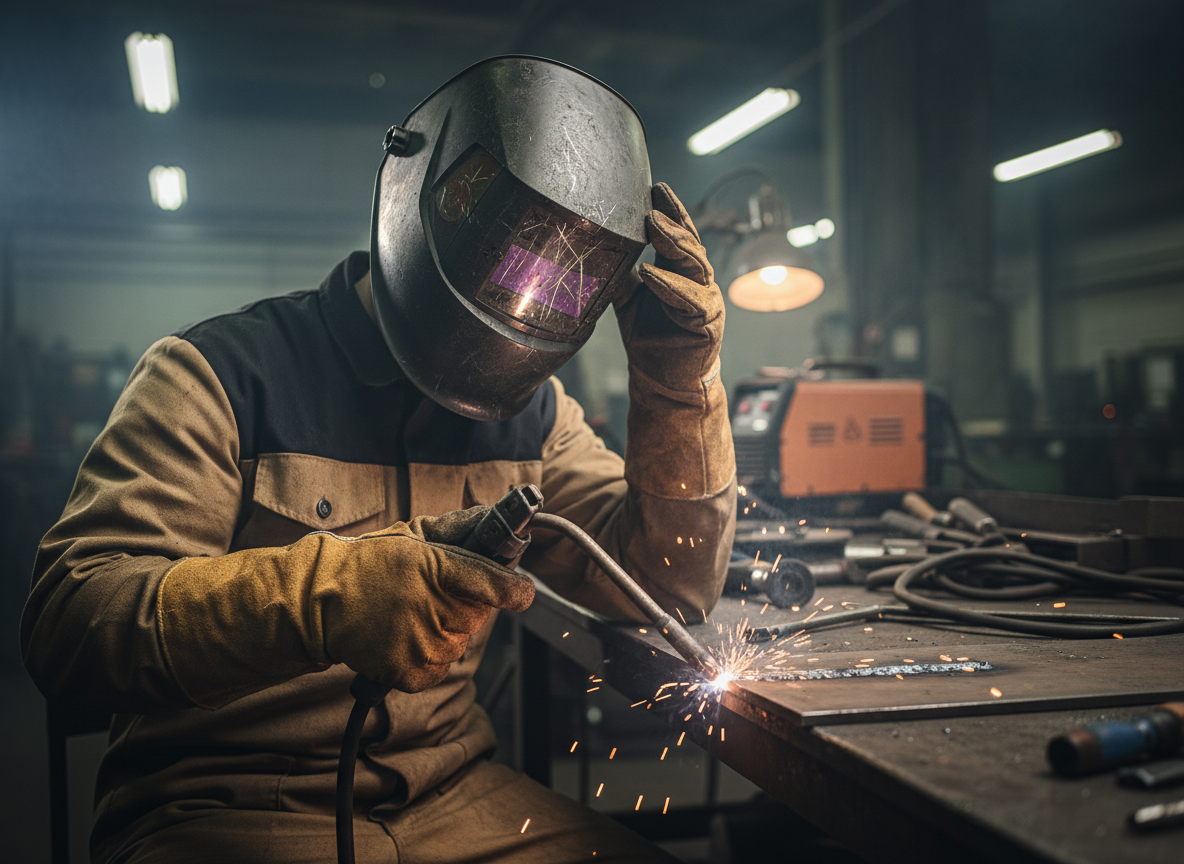
Your helmet lens is probably dirty, scratched, or damaged—and it’s costing you quality welds.
If you’re squinting through your helmet or struggling to see the puddle clearly, the problem isn’t your eyesight. It’s your lens. Dirty, scratched, or worn lenses block light and create a hazy view that makes precision impossible. The good news: this is an easy fix.
Symptoms of a Bad Helmet Lens
- Hazy or cloudy view even in good light
- Scratches or scuffs visible on the lens surface
- Difficulty seeing the weld pool or joint
- Lens feels sticky or has residue buildup
- Darkening is uneven or inconsistent across the lens
- You’re lifting your helmet more often to see clearly
Why This Happens
Welding helmets take a beating. Spatter, grinding dust, and UV exposure degrade the lens over time. The outer clear lens (the protective layer) scratches easily from handling and contact with metal. The inner auto-darkening filter (if you have one) can accumulate dust and residue, especially in high-spatter processes like MIG.
Even small scratches refract light and reduce contrast, making it harder to follow your bead. Residue from flux, spatter, or shop dust acts like a filter, dimming your view and forcing you to compensate by tilting your head or adjusting your shade—both bad habits that slow you down.
AWS D1.1 welding standards don’t specify lens cleanliness, but they do require clear, undamaged optics for safe, quality welds. A damaged lens compromises both.
The Fix (Step-by-Step)
Step 1: Clean the lens thoroughlyStart with the outer clear lens. Use a soft, lint-free cloth and warm water with a drop of mild soap. Wipe gently—don’t scrub. Dry completely. For the inner auto-darkening filter, use a dry cloth only (water can damage the LCD).
Step 2: Inspect for damageHold the lens up to light. Look for scratches, cracks, or discoloration. If you see deep scratches or cracks, the lens needs replacement. Small surface scratches won’t affect visibility much, but they’ll get worse.
Step 3: Replace if necessaryIf cleaning doesn’t help, order replacement lenses. Most helmets use standard sizes: outer clear lenses (usually 4.5″ x 5.25″ or similar) and inner filters (if auto-darkening). Check your helmet model or measure the lens.
Step 4: Install the new lensMost helmets have a simple snap-in or screw-on design. Remove the old lens, snap or screw in the new one. Takes 30 seconds.
Step 5: Test before weldingStrike a test arc or wave the helmet at a light source. The lens should darken instantly and evenly. If it doesn’t, check the battery (for auto-darkening) or reinstall the lens.
Real-World Tip
Experienced welders replace outer clear lenses every 2–3 months in high-spatter environments (MIG, flux-core). It’s cheap insurance. Keep a spare pack of lenses in your toolbox. When visibility drops, swap them out immediately instead of fighting through a bad lens. You’ll weld faster and straighter.
Safety Note
ANSI Z87.1 requires helmets to have impact-resistant lenses and proper UV/IR protection. A cracked or heavily scratched lens fails this standard and puts your eyes at risk. Replace damaged lenses before your next weld.
Next Steps
If this keeps happening, your helmet lens is likely worn or damaged. See the best replacement options → Best Welding Helmet Replacement Lenses for Clear Visibility